
Allroom: TV Remote
Give your smart TV superpowers.
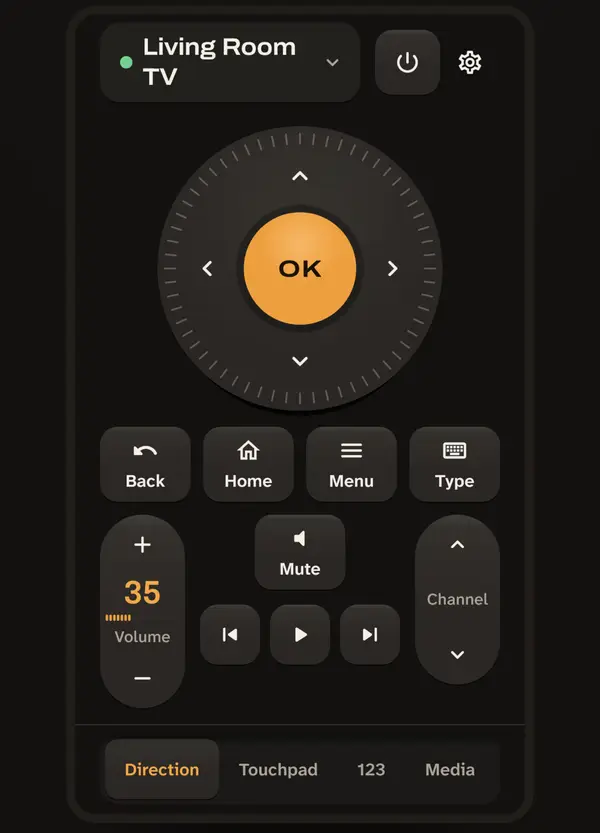
Allroom turns your phone into a TV remote with a real keyboard and one-tap app shortcuts; Pro adds a home-screen widget, a lock-screen remote, scenes and a sleep timer. No ads, no account, no weekly subscription.
- No ads
- No weekly fees
- No account
It works over your home Wi-Fi and finds the TVs on your network by itself.
WHY PEOPLE SWITCH TO ALLROOM
- No ads. Not when you open the app, not between button presses, not ever.
- No weekly subscription. The full remote is free; Pro is one-time or yearly.
- No account, no sign-up. Your TV list and pairing keys stay on your phone.
- One remote app for TVs from many brands (see the compatibility list below).
Screenshots
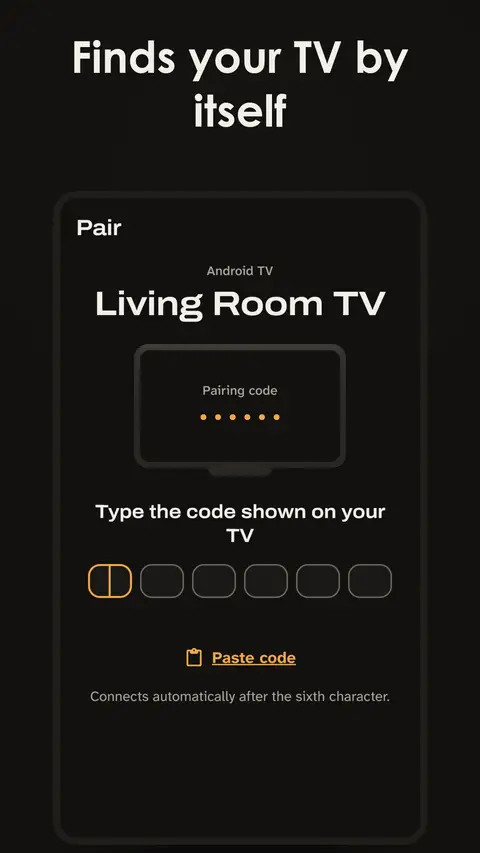
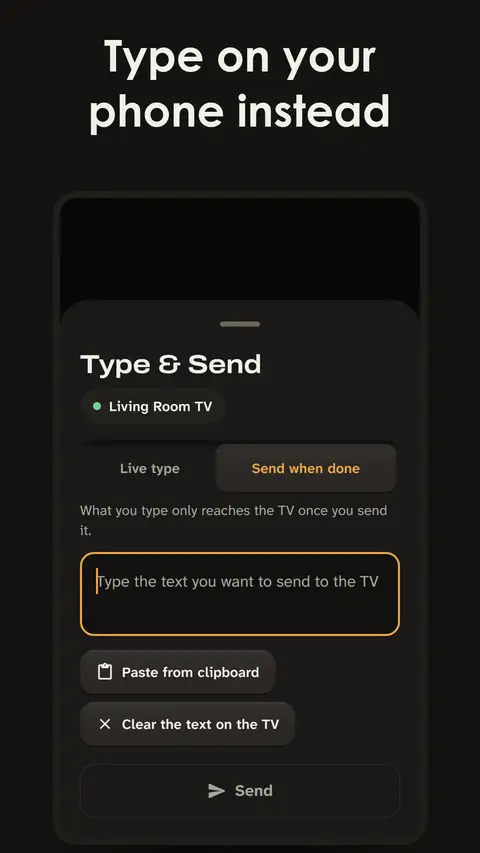
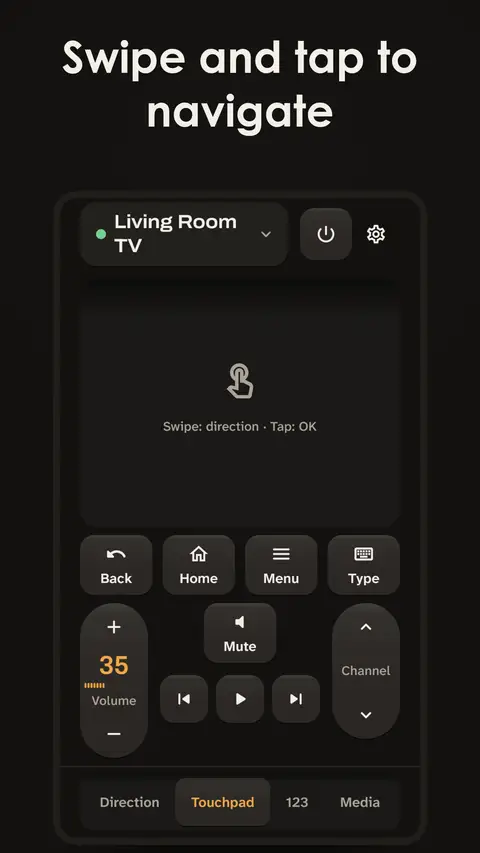
The free version is the complete remote for up to 2 TVs. Pro adds home-screen shortcuts and whole-home control, as a one-time purchase or a yearly plan. Your choice.
THE FREE REMOTE
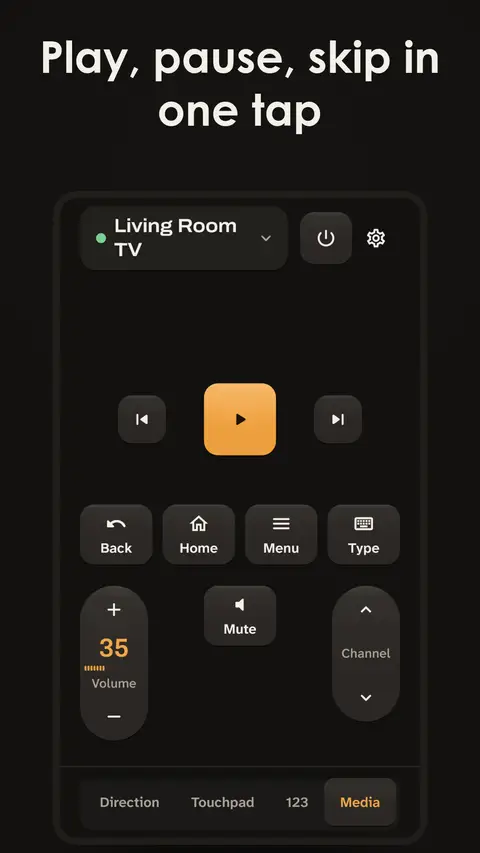
- Arrow pad, OK, Back, Home, Menu, volume, mute and power
- Touchpad mode: swipe to move, tap to select
- Number pad and media keys (play, pause, skip)
- Cursor mode on TVs that support a pointer
- Type & Send: type with your phone's keyboard and send text or a web address to the TV, no more picking letters one by one
- Voice typing: say it, and your words land in the TV's search box
- App shortcuts: open your favourite TV apps in one tap
- Simple mode: big, clear buttons for kids and grandparents, with an optional PIN lock
- Share to TV: send a link from any app on your phone straight to the TV
- Move your TV list to a new phone with a QR code or a file
- Light and dark themes. Accessibility features are always free.
ALLROOM PRO
- Home-screen widget
- Remote in your notifications, also reachable from the lock screen
- Quick Settings tile
- Phone volume buttons control the TV volume (while Allroom is open or running in the background)
- Sleep timer
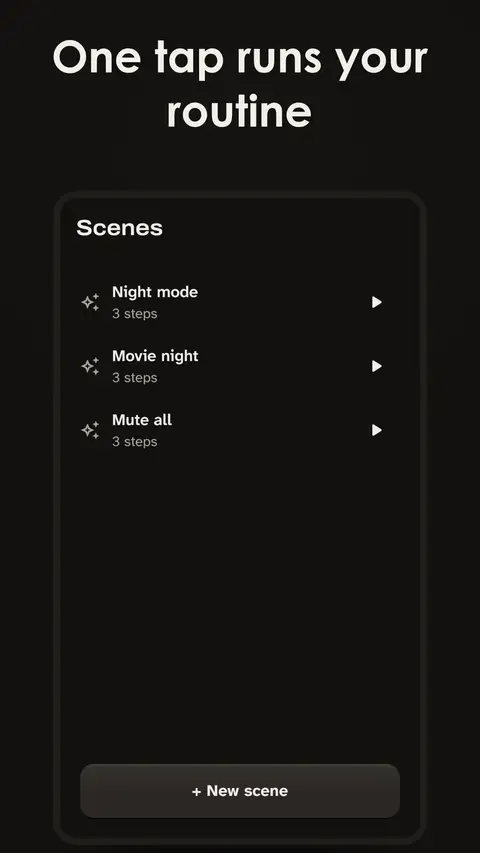
- Scenes: run a routine of commands with one tap
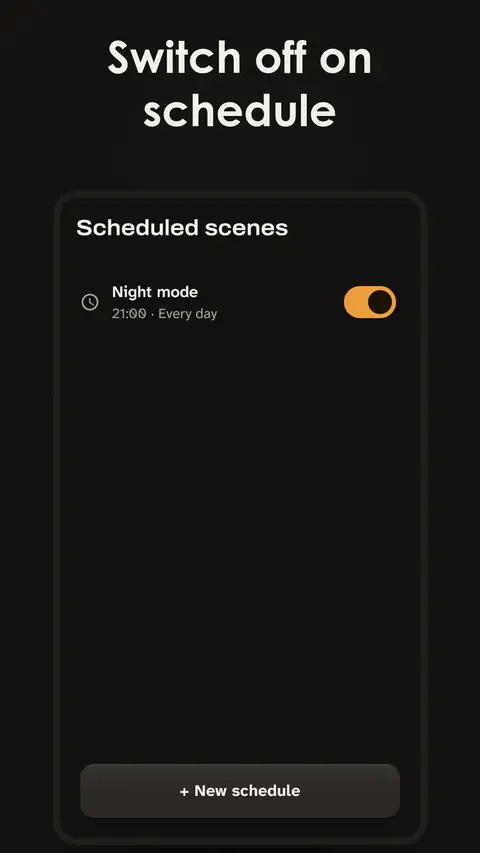
- Scheduled scenes, e.g. switch the kids' TV off at 9 pm
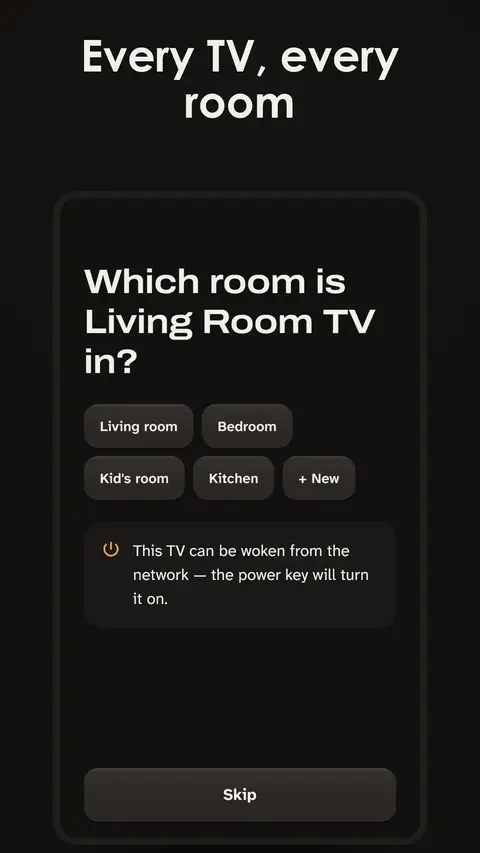
- Rooms and "All" commands: control every TV in a room, or the whole home, at once
- Unlimited TVs (free covers 2)
READY IN A MINUTE
- Connect your phone to the same Wi-Fi as your TV.
- Open Allroom: your TV shows up in the list.
- Confirm the code or prompt on the TV screen. Done.
TV not showing up? Add it by its IP address.
PRIVACY, IN PLAIN WORDS
- No account, no ads, no advertising ID.
- Your TVs, rooms and pairing keys stay on your phone.
- We collect usage statistics without personal data to see where people get stuck. In the EU, EEA and UK we ask first; everywhere else you can switch it off at any time in Settings.
- Voice typing uses your phone's own speech recognition service, which may process your voice online.
COMPATIBILITY & TRADEMARKS
Supported: Android TV and Google TV devices, LG webOS TVs (including cursor mode).
Beta (works, still being tested on more models): Samsung Tizen, Sony Bravia, Philips, Vizio SmartCast, Panasonic Viera, Vestel SmartCenter and Amazon Fire TV.
Not supported: Roku, Hisense VIDAA and Apple TV.
App shortcuts open apps already installed on your TV, such as Netflix, YouTube, Disney+ and Prime Video (depends on your TV model and region).
Allroom is an independent app and is not affiliated with, endorsed by or sponsored by Google, LG, Samsung, Sony, Philips, Vizio, Panasonic, Vestel, Amazon, Roku, Hisense, Apple, Netflix, Disney or any other company named here. All product and company names are trademarks of their respective owners and are used only to describe compatibility.
Allroom: TV Remote
Use your phone as a TV remote over Wi-Fi. No ads, no account, no weekly fees.
Get it on Google Play